> ## Documentation Index
> Fetch the complete documentation index at: https://www.edgee.ai/docs/llms.txt
> Use this file to discover all available pages before exploring further.
# Bring Your Own Keys (BYOK)
> Use your own provider keys for billing and provider-side controls, while keeping Edgee's routing and observability.
BYOK lets you register your own LLM provider API keys with Edgee. Requests are routed through your key, so they're billed to
your provider account, subject to your own rate limits and provider controls, while Edgee's routing, compression, and observability continue to work normally.
Keys are stored securely and masked immediately after creation.
## Supported Providers
| Provider | Credential Type |
| ---------------- | -------------------------- |
| Anthropic | API Key |
| OpenAI | API Key |
| Google Vertex AI | Service account JSON |
| Mistral | API Key |
| DeepSeek | API Key |
| xAI | API Key |
| zAI | API Key |
| AWS Bedrock | IAM credentials per region |
## Adding a Provider Key
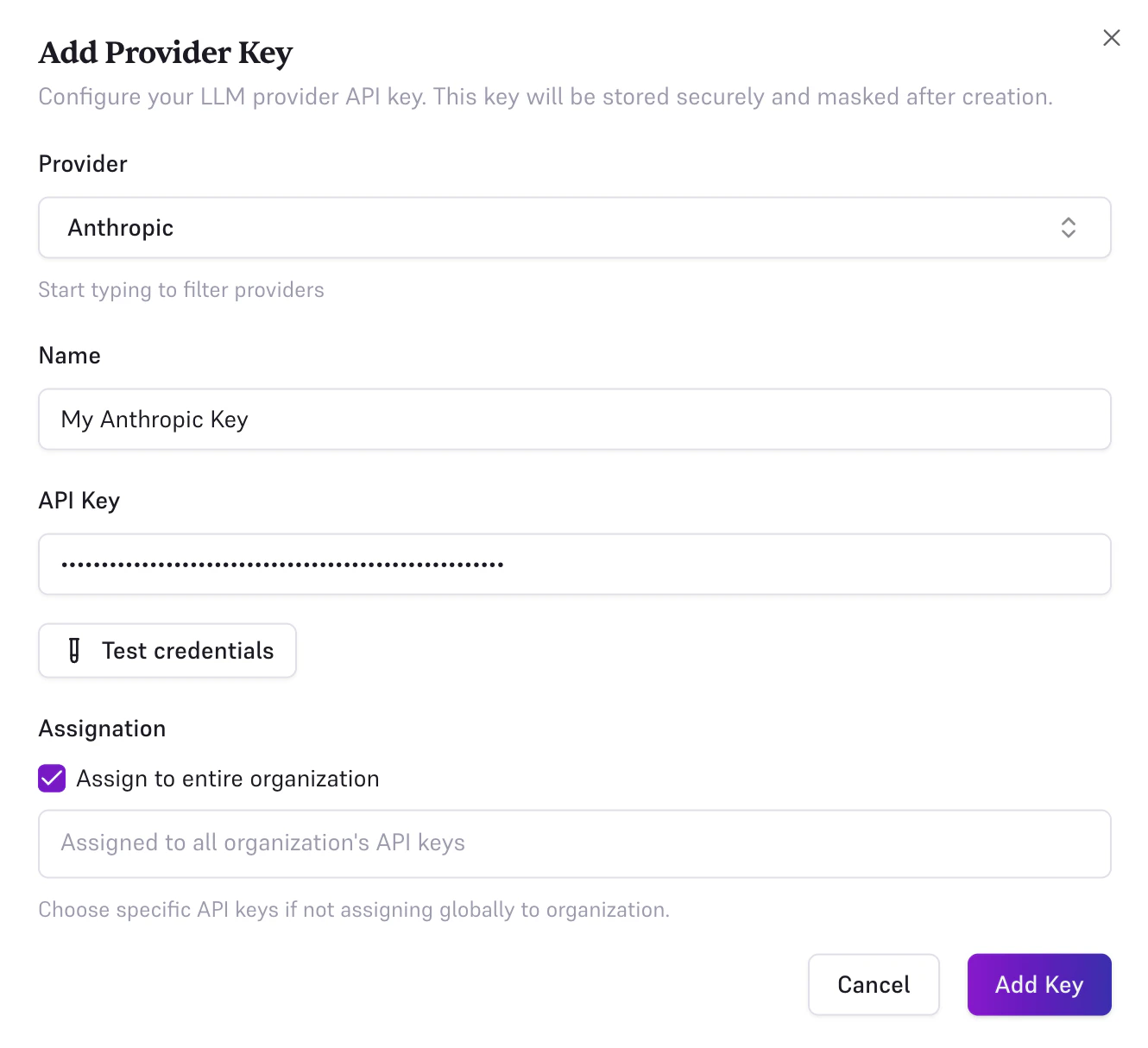
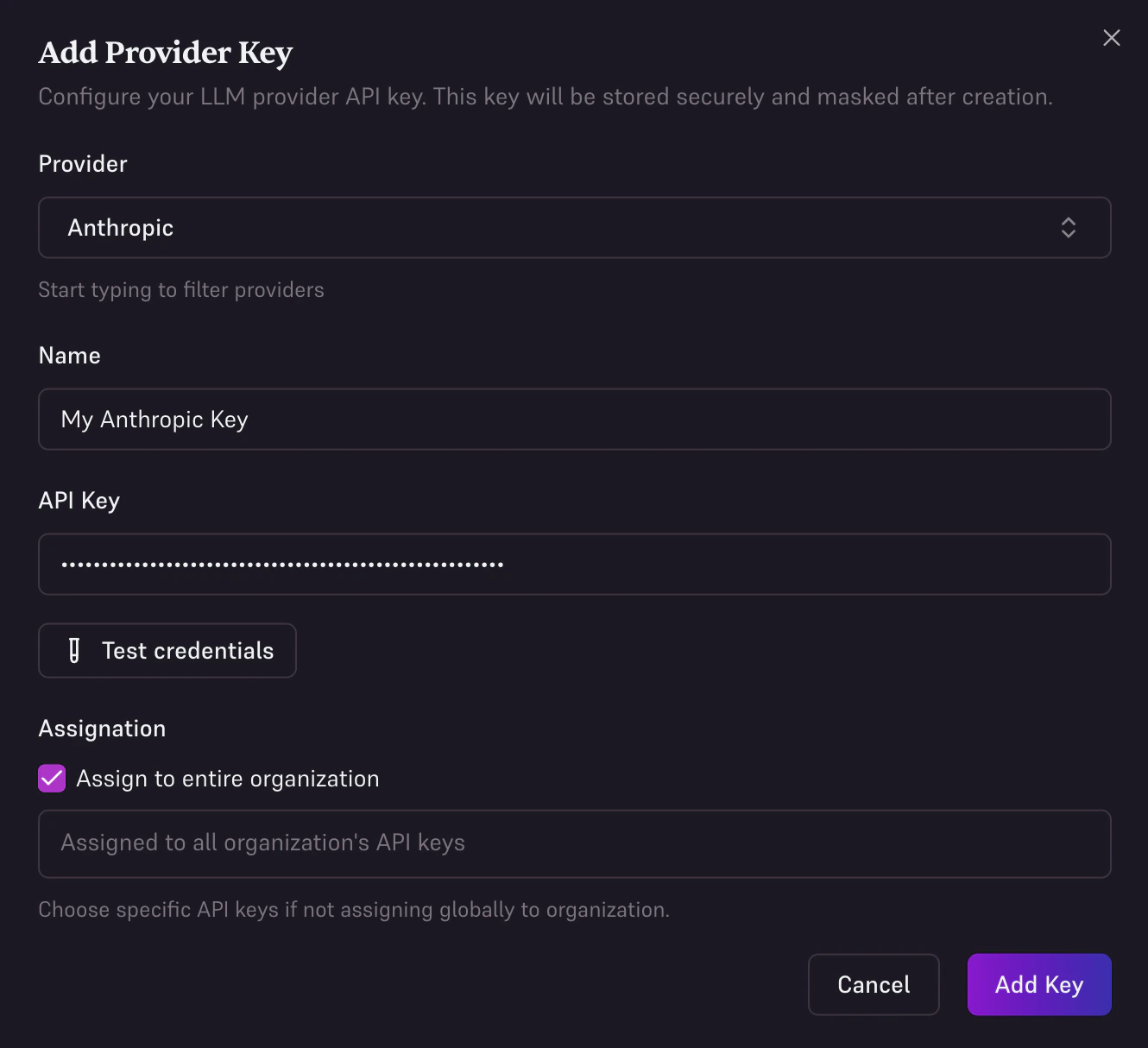
Navigate to **BYOK** in the console sidebar. Click **Create a new Provider Key**. Fill in the form:
**1. Provider**: select from the list above.
**2. Name**: a friendly label for this key (e.g. `Production Key`).
**3. Credentials**: varies by provider:
* **Most providers** (Anthropic, OpenAI, Mistral, DeepSeek, xAI, zAI): enter a single API key (e.g. `sk-...`).
* **AWS Bedrock**: enter IAM credentials per region. For each region, provide:
* **Region**: (e.g. `us-east-1`, or `global` for a single fallback credential set)
* **Access Key ID**: (e.g. `AKIA...`)
* **Secret Access Key**:
Click **Add region** to configure multiple regions in one entry.
* **Google Vertex AI**: paste the full service account JSON key file downloaded from Google Cloud Console.
**4. Test credentials**: click **Test credentials** to validate your credentials against the provider before saving.
**5. Assignment**: choose how the key is used:
* Check **Assign to entire organization** to use this key as the default for all requests, across all your Edgee API keys.
* Or select one or more **specific API keys** from the multi-select to limit the key to those keys only.
* **Save**: click **Save** to create the provider key.
Keys are stored securely and never revealed after creation. When editing a key, leave the credentials field empty to keep the existing key unchanged.
 ## Assignment: Organization vs. API Keys
Provider keys can be scoped in two ways:
* **Organization (all keys)**: the provider key is used as the default for every request sent through your organization, regardless of which Edgee API key is used. Shown as a purple **Organization (all keys)** badge in the table.
* **Specific API keys**: the provider key only applies to the selected Edgee API keys. Shown as blue per-key badges.
This lets you use different provider accounts for different environments or projects, for example, one OpenAI key for staging and another for production.
## AWS Bedrock: Multi-Region Setup
AWS Bedrock requires IAM credentials per region. You can configure multiple regions in a single provider key entry,
add one row per region, each with its own Access Key ID and Secret Access Key. Use `global` as the region name to define a single fallback credential set.
## Assignment: Organization vs. API Keys
Provider keys can be scoped in two ways:
* **Organization (all keys)**: the provider key is used as the default for every request sent through your organization, regardless of which Edgee API key is used. Shown as a purple **Organization (all keys)** badge in the table.
* **Specific API keys**: the provider key only applies to the selected Edgee API keys. Shown as blue per-key badges.
This lets you use different provider accounts for different environments or projects, for example, one OpenAI key for staging and another for production.
## AWS Bedrock: Multi-Region Setup
AWS Bedrock requires IAM credentials per region. You can configure multiple regions in a single provider key entry,
add one row per region, each with its own Access Key ID and Secret Access Key. Use `global` as the region name to define a single fallback credential set.