> ## Documentation Index
> Fetch the complete documentation index at: https://www.edgee.ai/docs/llms.txt
> Use this file to discover all available pages before exploring further.
# Ga4 Native Cookies
> Use Edgee's Native Cookie Support to manage Google Analytics cookies at the edge.
 Google Analytics uses a client ID cookie (`_ga`) to track users across sessions. With Ga4 Native Cookies component,
this cookie can be managed directly at the edge.
To know more about the native cookie support, please refer to the [Native Cookies](/docs/proxy/services/data-collection/native-cookies) documentation.
## Getting Started
**To integrate Google Analytics Native Cookies into your Edgee project:**
1. Open the Edgee console and navigate to your project's Components.
2. Select "Add a component" and choose `edgee/google-analytics-native-cookies` from the list of available components.
3. In your component settings, configure the mode:
Google Analytics uses a client ID cookie (`_ga`) to track users across sessions. With Ga4 Native Cookies component,
this cookie can be managed directly at the edge.
To know more about the native cookie support, please refer to the [Native Cookies](/docs/proxy/services/data-collection/native-cookies) documentation.
## Getting Started
**To integrate Google Analytics Native Cookies into your Edgee project:**
1. Open the Edgee console and navigate to your project's Components.
2. Select "Add a component" and choose `edgee/google-analytics-native-cookies` from the list of available components.
3. In your component settings, configure the mode:
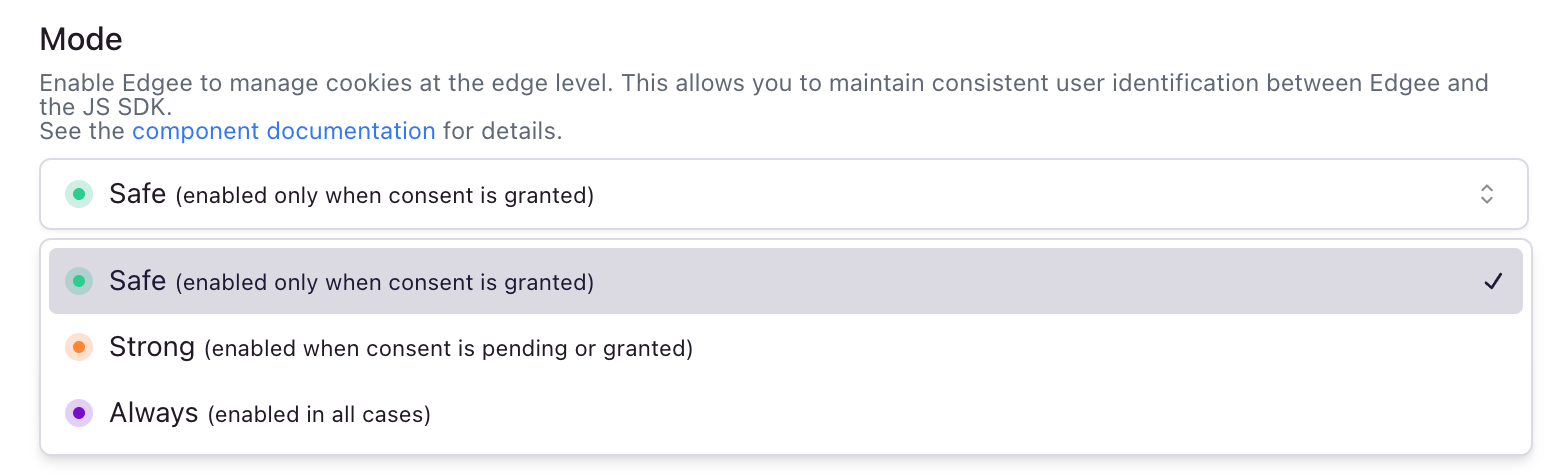
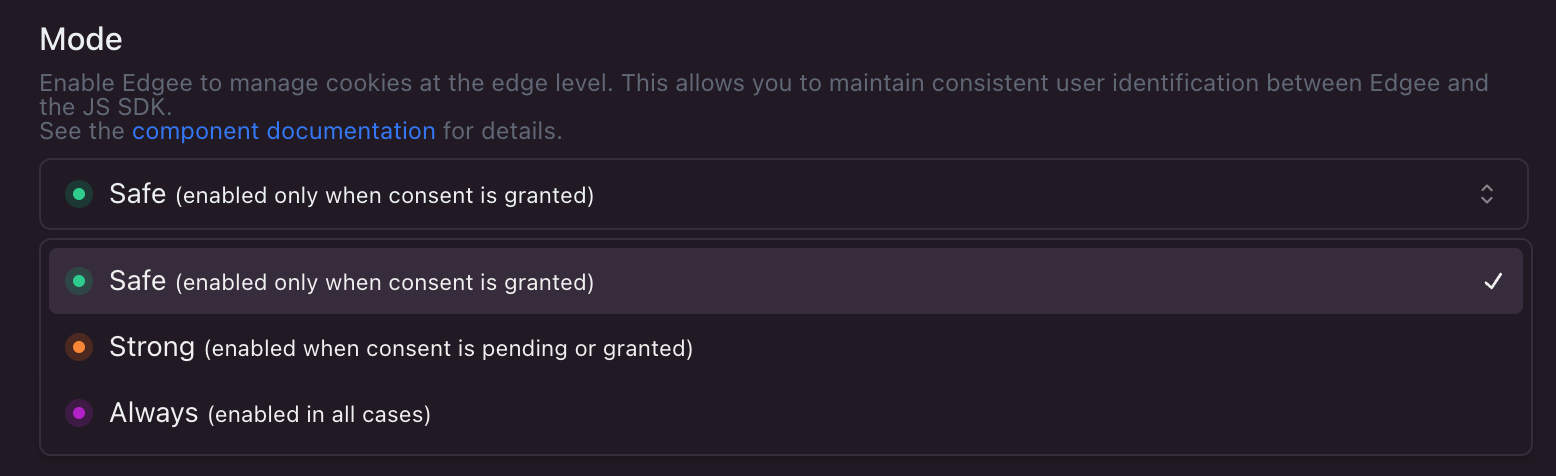 The setting determines when the Google Analytics client ID cookie is set:
* **safe**: Only set cookie after user grants consent (default)
* **strong**: Set cookie unless user explicitly denies consent
* **always**: Set cookie regardless of consent status
Using `strong` or `always` modes may not comply with privacy regulations in your jurisdiction (such as GDPR, CCPA, or other applicable laws).
By enabling these modes, you assume full responsibility for:
* Ensuring compliance with all applicable privacy laws and regulations
* Obtaining and managing necessary user consents
* Implementing appropriate privacy notices and policies
* Any legal consequences resulting from non-compliant cookie usage
Edgee provides these features as technical capabilities only. We strongly recommend consulting with your legal team or privacy experts before implementing these modes.
The setting determines when the Google Analytics client ID cookie is set:
* **safe**: Only set cookie after user grants consent (default)
* **strong**: Set cookie unless user explicitly denies consent
* **always**: Set cookie regardless of consent status
Using `strong` or `always` modes may not comply with privacy regulations in your jurisdiction (such as GDPR, CCPA, or other applicable laws).
By enabling these modes, you assume full responsibility for:
* Ensuring compliance with all applicable privacy laws and regulations
* Obtaining and managing necessary user consents
* Implementing appropriate privacy notices and policies
* Any legal consequences resulting from non-compliant cookie usage
Edgee provides these features as technical capabilities only. We strongly recommend consulting with your legal team or privacy experts before implementing these modes.