> ## Documentation Index
> Fetch the complete documentation index at: https://www.edgee.ai/docs/llms.txt
> Use this file to discover all available pages before exploring further.
# Create an API Key
> Create a new API key to use Edgee services.
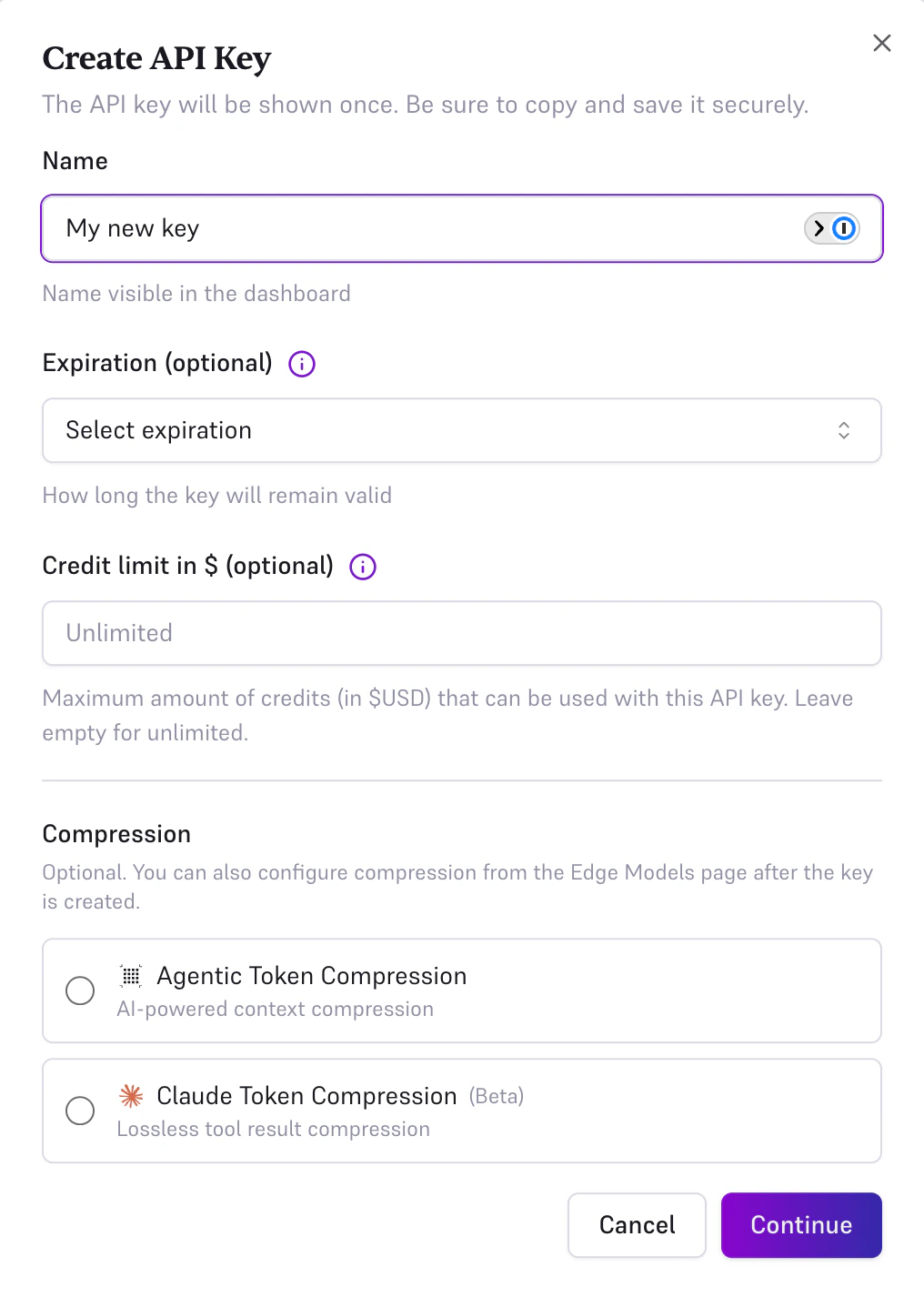
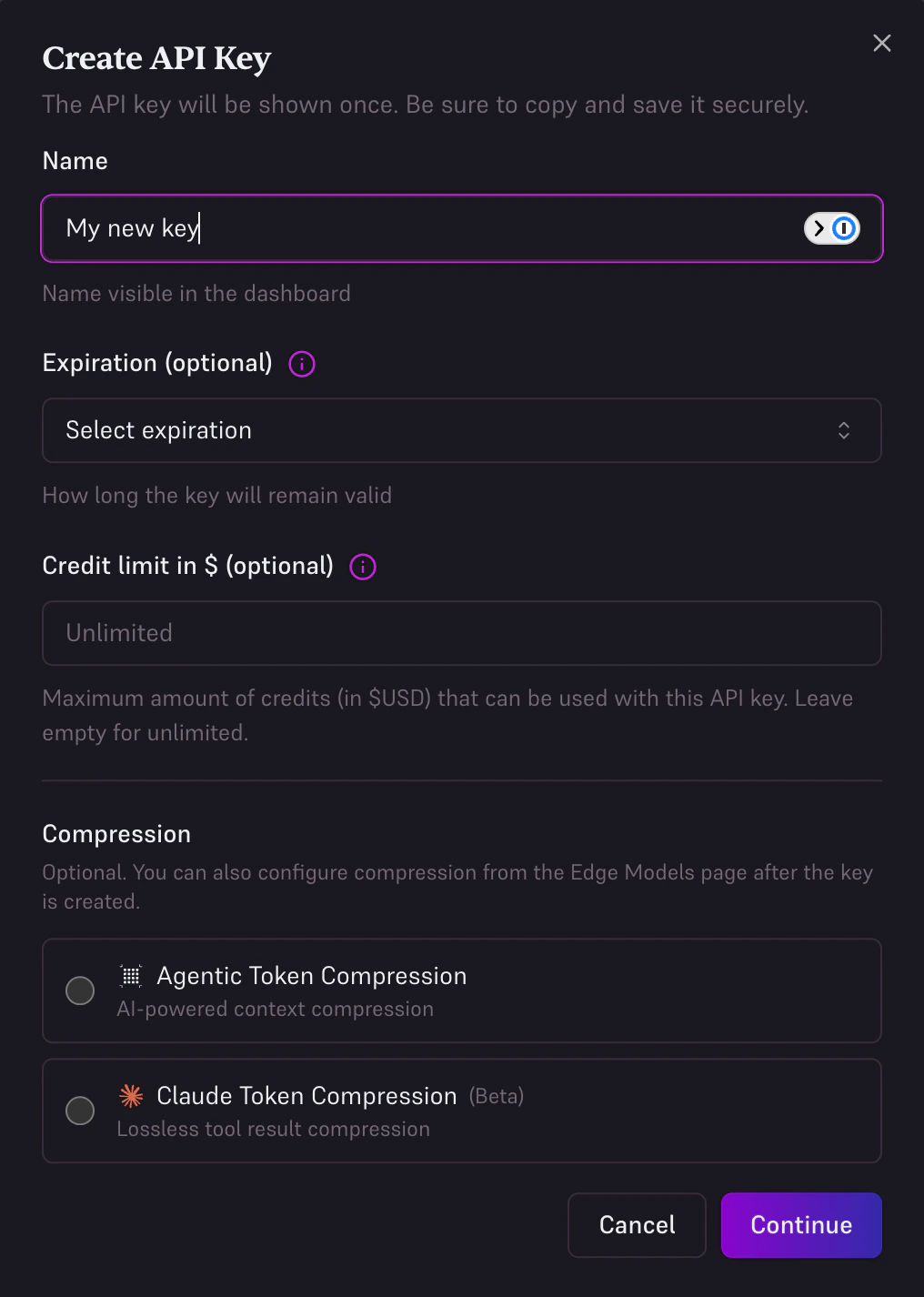
In your [Edgee Console](https://www.edgee.ai), navigate to **API Keys**.
Click **Create API Key**, give it a name (e.g., "Development"), and click **Create**.
Copy the key immediately; it will not be shown again.
 Store your API key securely. Never commit it to version control or expose it in client-side code.
## Test Your Key
Now you copied your key, you can verify it works with a simple curl request:
```bash theme={"dark"}
curl https://edgee.io/v1/chat/completions \
-H "Authorization: Bearer $EDGEE_API_KEY" \
-H "Content-Type: application/json" \
-d '{
"model": "gpt-5.2",
"messages": [{"role": "user", "content": "Hello!"}]
}'
```
Store your API key securely. Never commit it to version control or expose it in client-side code.
## Test Your Key
Now you copied your key, you can verify it works with a simple curl request:
```bash theme={"dark"}
curl https://edgee.io/v1/chat/completions \
-H "Authorization: Bearer $EDGEE_API_KEY" \
-H "Content-Type: application/json" \
-d '{
"model": "gpt-5.2",
"messages": [{"role": "user", "content": "Hello!"}]
}'
```