

Add a component
To add a component, go to your project > Components, and click Add your first component.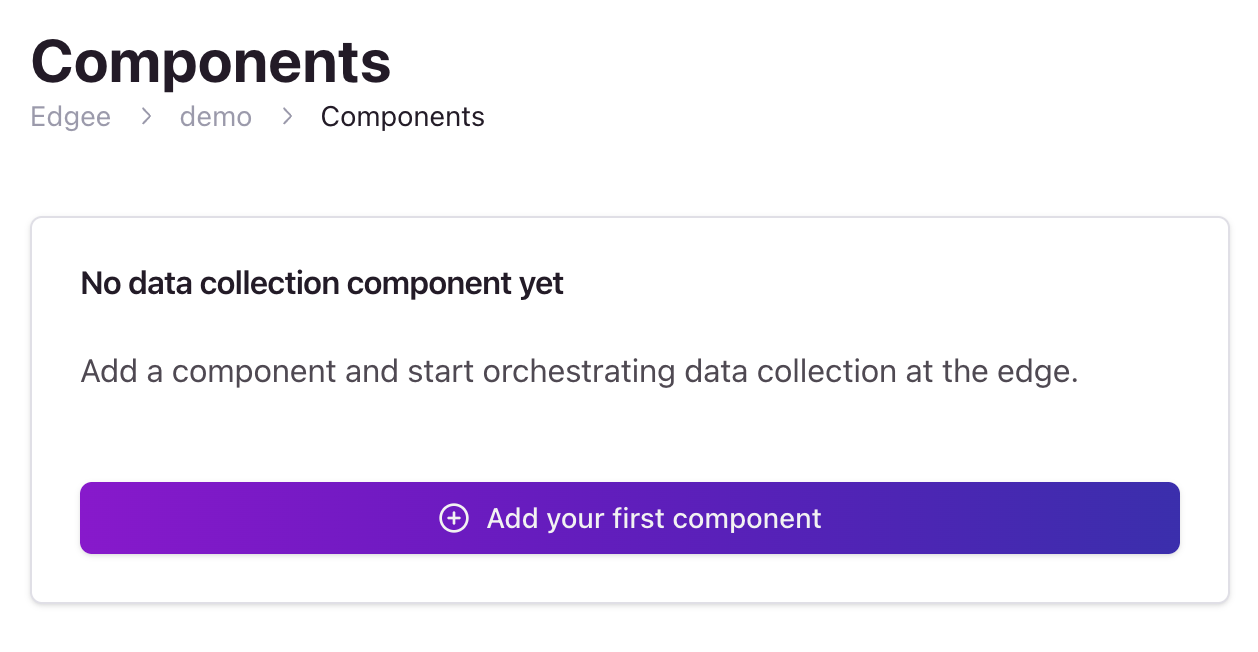
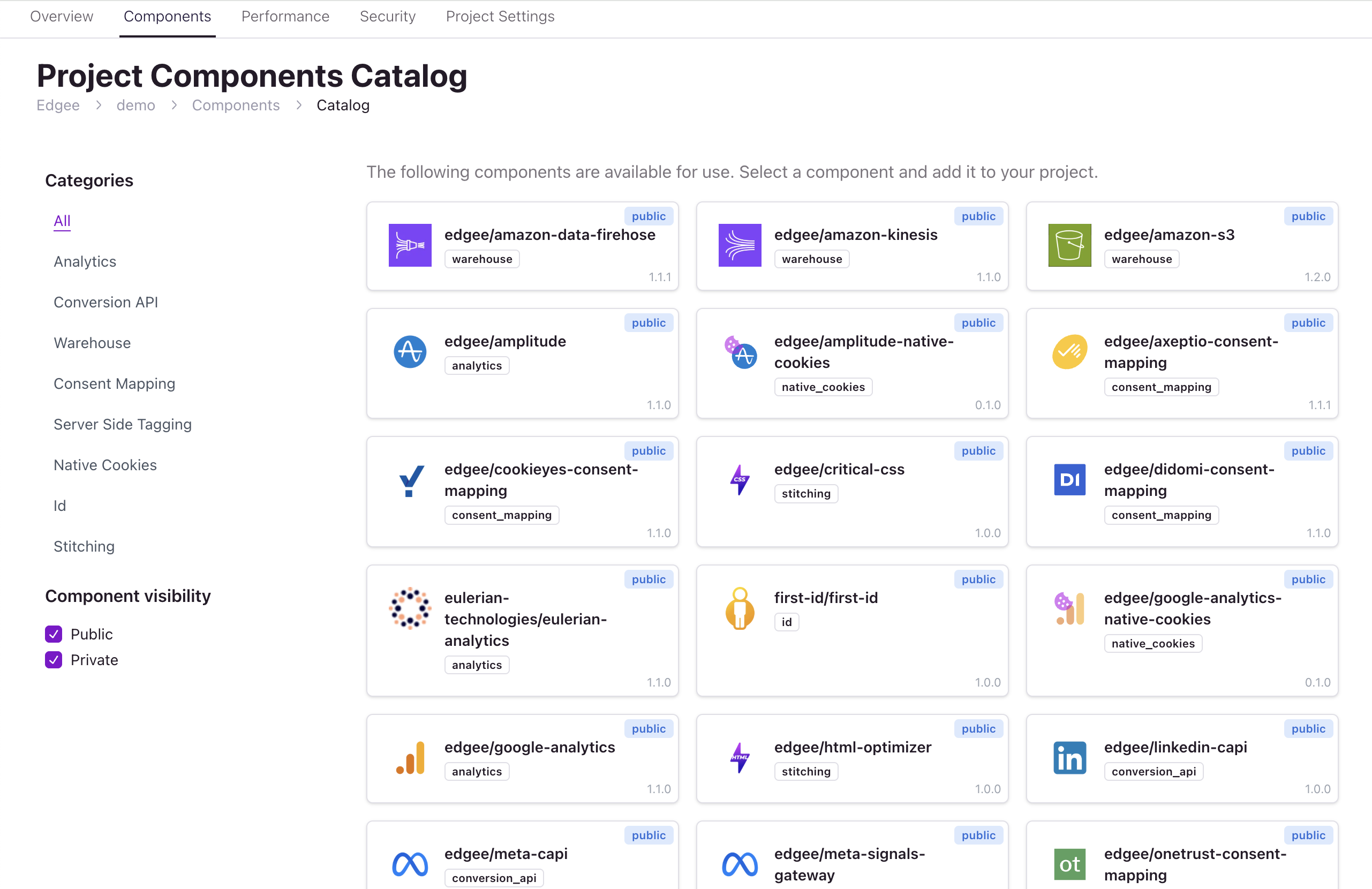
Basic Configuration
Every component in Edgee has a set of common configuration options that control its behavior. These options are available in the component configuration form: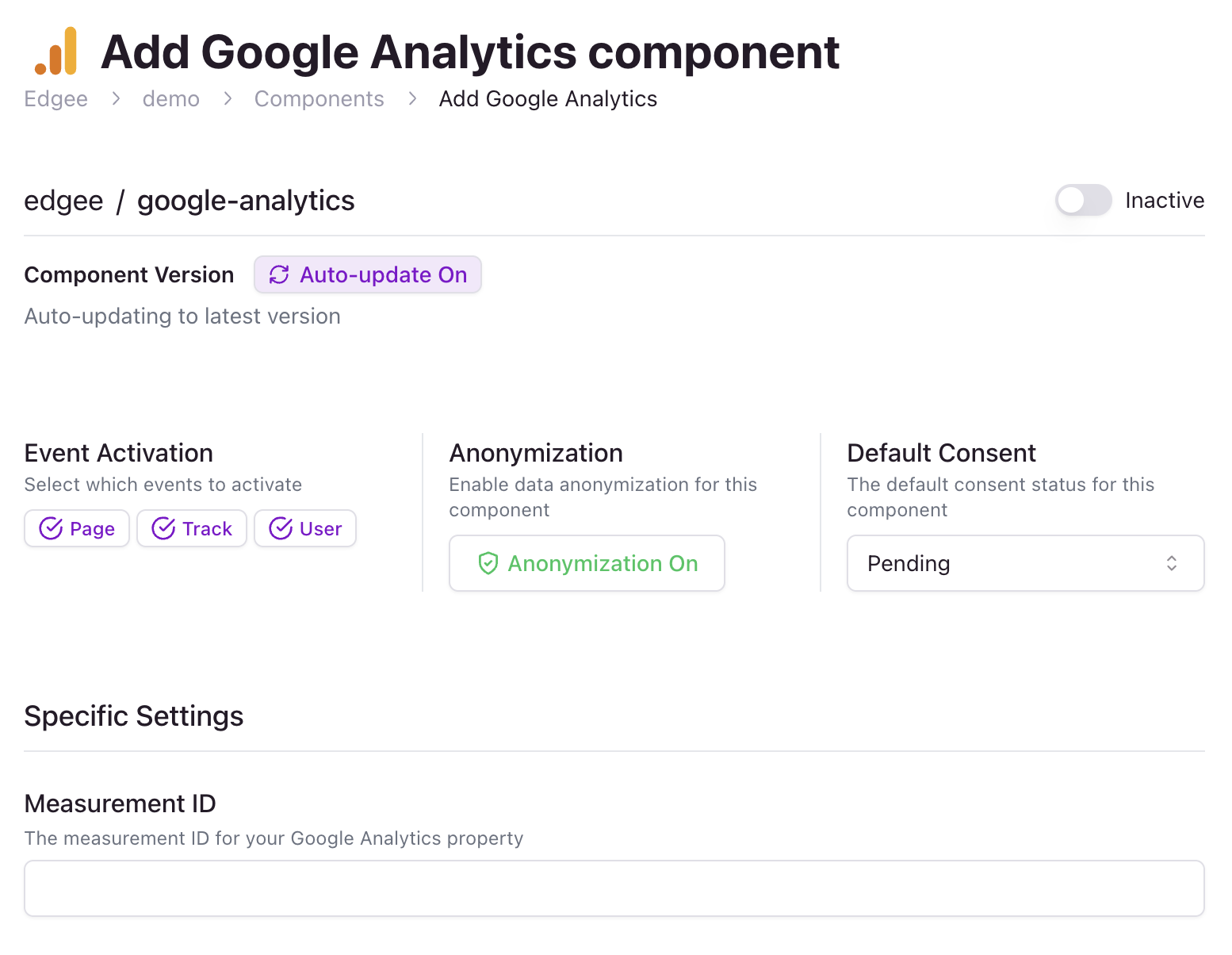
Common Settings
All components share these basic configuration options:- Component Status: Enable/disable the component
- Auto-update: Enable/disable the component auto-update
On: Automatically update the component version when a new version is availableOff: Manually update the component version
Data Collection specific settings
-
Event Activation
- Page Events: Enable/disable page view tracking
- Track Events: Enable/disable custom event tracking
- User Events: Enable/disable user identification
-
Anonymization: Controls whether data is anonymized when consent is pending or denied
On: Anonymize data when consent is pending or deniedOff: Do not anonymize data when consent is pending or denied
-
Default Consent: Sets the initial consent status before user interaction
Pending: Initial state, waiting for user choiceDenied: User has explicitly denied consentGranted: User has explicitly granted consent
Component-Specific Settings
Each component may have additional configuration options specific to its functionality. For example:-
Analytics Components (like Google Analytics)
- Measurement IDs
- Server locations
-
Consent Management Components
- Cookie names