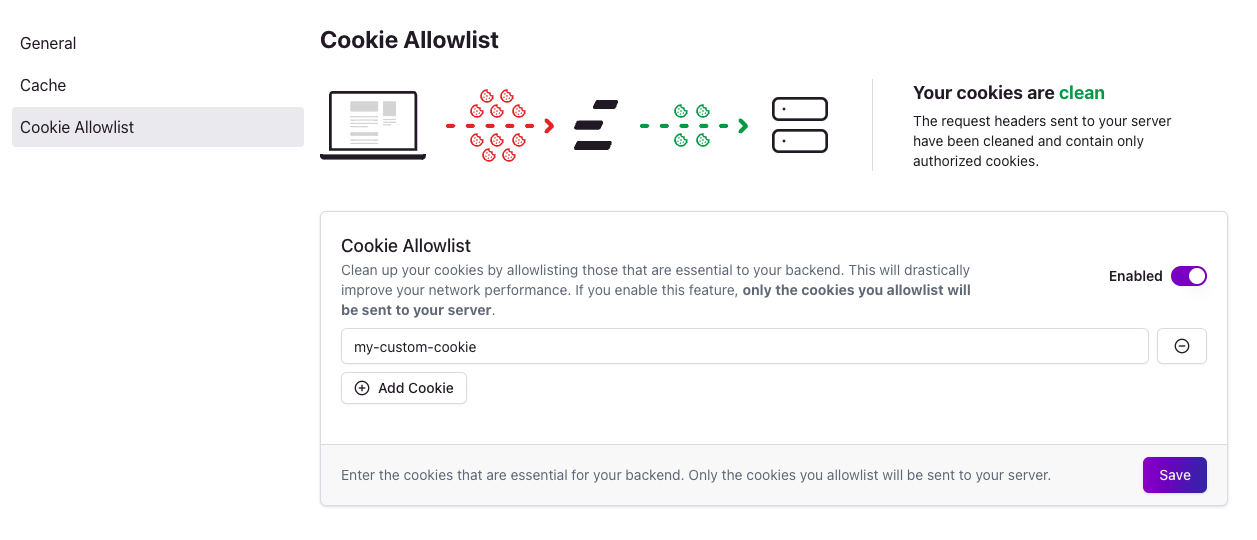
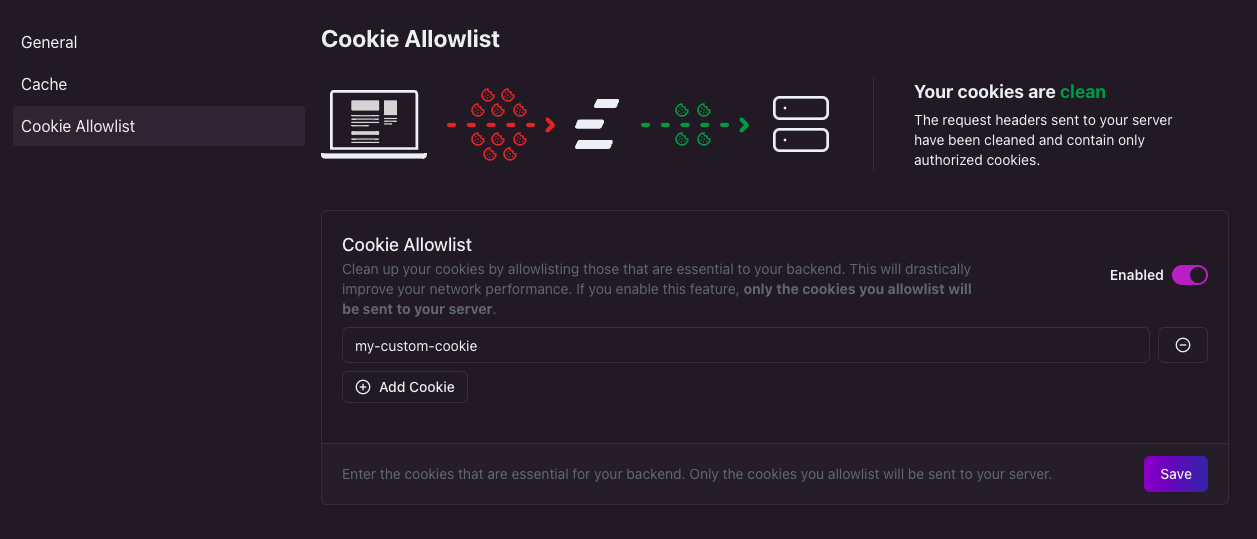
Edgee allows you to filter out all cookies that are not required for your backend to process requests. This has the potential to drastically improve the performance and load speed of your website because much less data needs to travel through the network. Since the list of cookies you really need is often much shorter than the total number of cookies stored in the browser, Edgee lets you create a shortlist (or allowlist) of the few cookies that your server needs.Documentation Index
Fetch the complete documentation index at: https://www.edgee.ai/docs/llms.txt
Use this file to discover all available pages before exploring further.
Enable cookie allowlist
Browse to your project’s Performance panel and select Cookie allowlist. From here, simply click the toggle on the right hand side and add a new cookie name. If you need more than one cookie, keep clicking Add Cookie. Once you’re done, don’t forget to click Save!