Password Protection
This feature requires all visitors to enter a predefined password before accessing your website, adding a layer of security that protects your content from unauthorized access.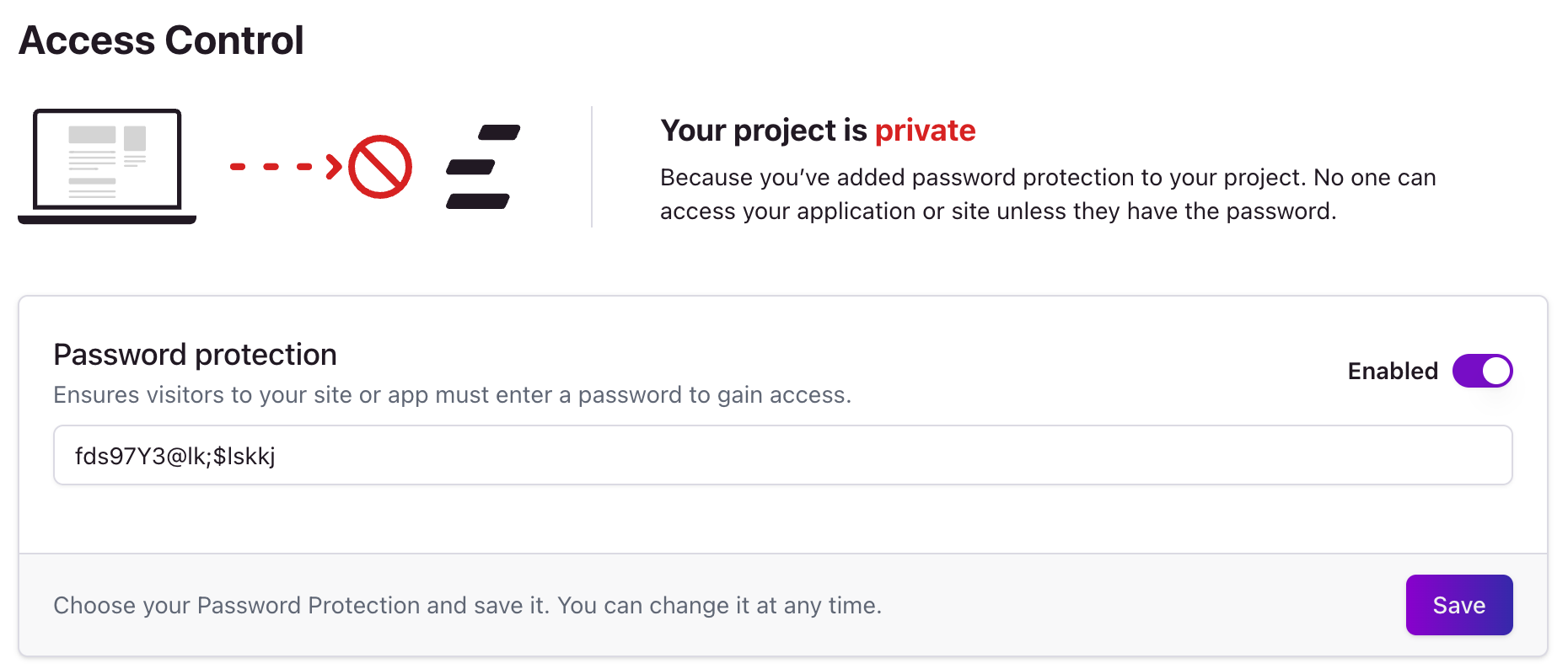
Required Header
Require a specific header to be present in the request to your site or app. If the header is not present, the request will be blocked.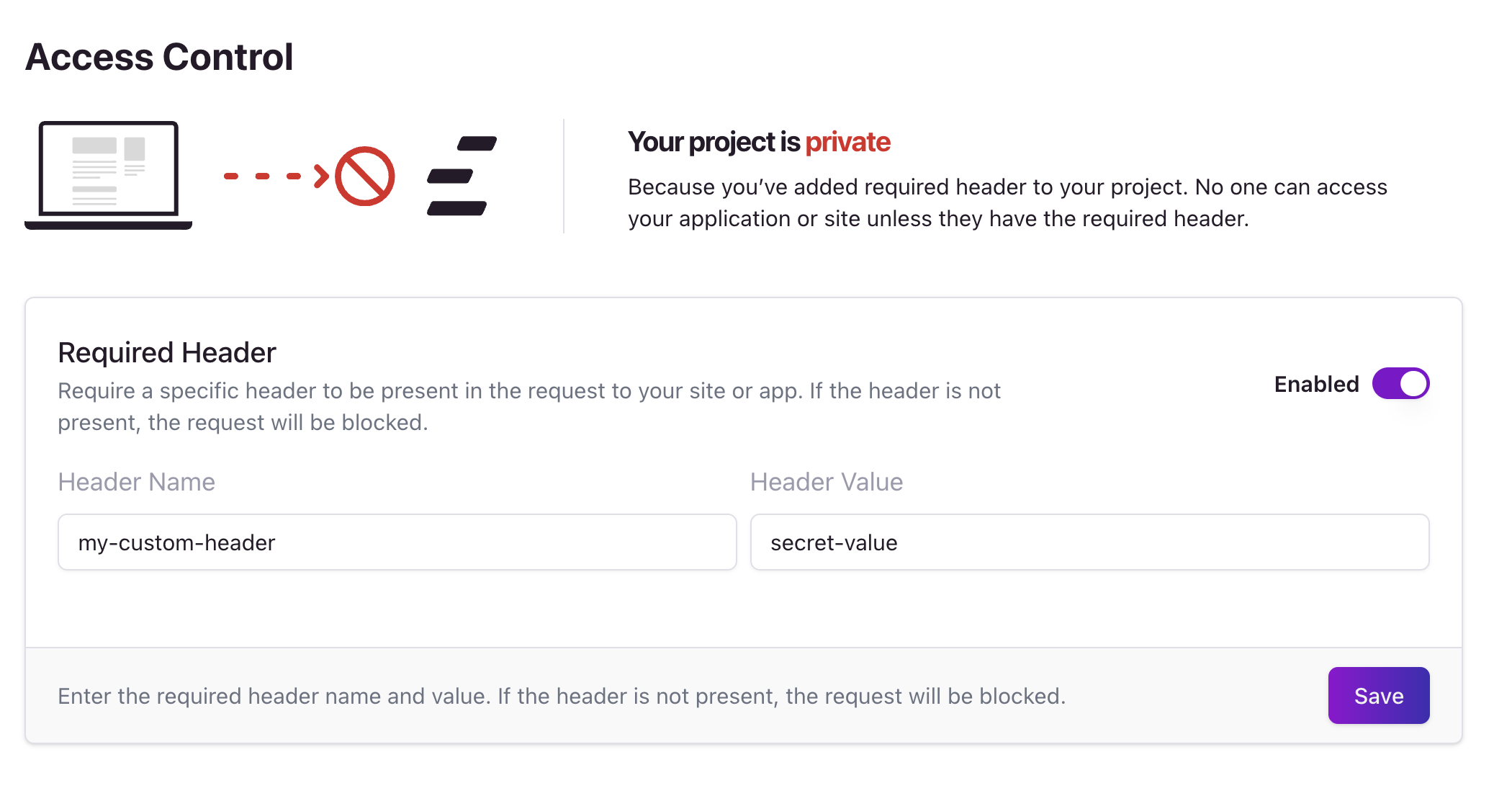
Trusted IPs
Enhance security by allowing access only from known, trusted IP addresses. This setting ensures that only visitors from specified IPs can reach your application, effectively blocking unwanted or potentially harmful traffic.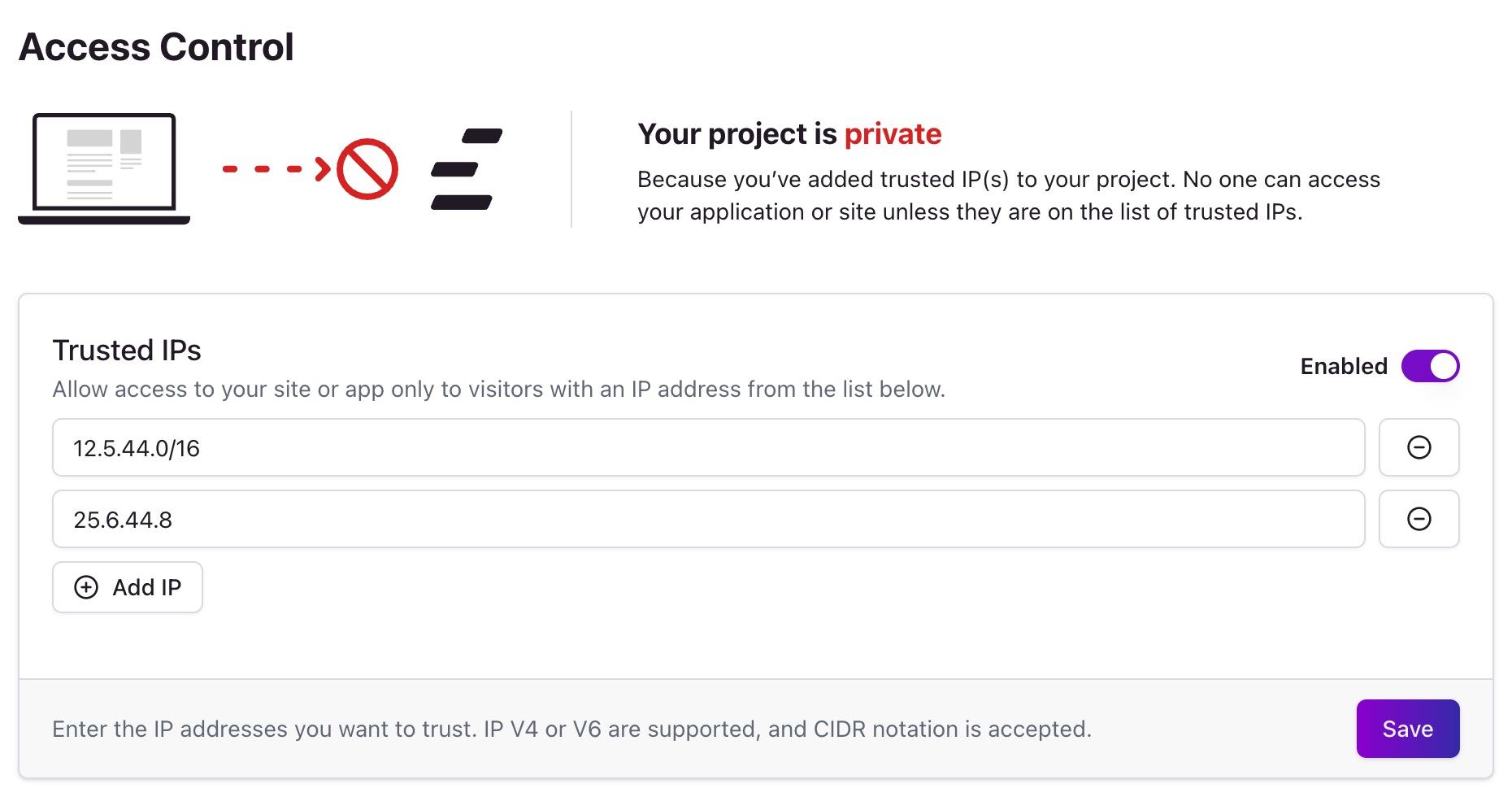
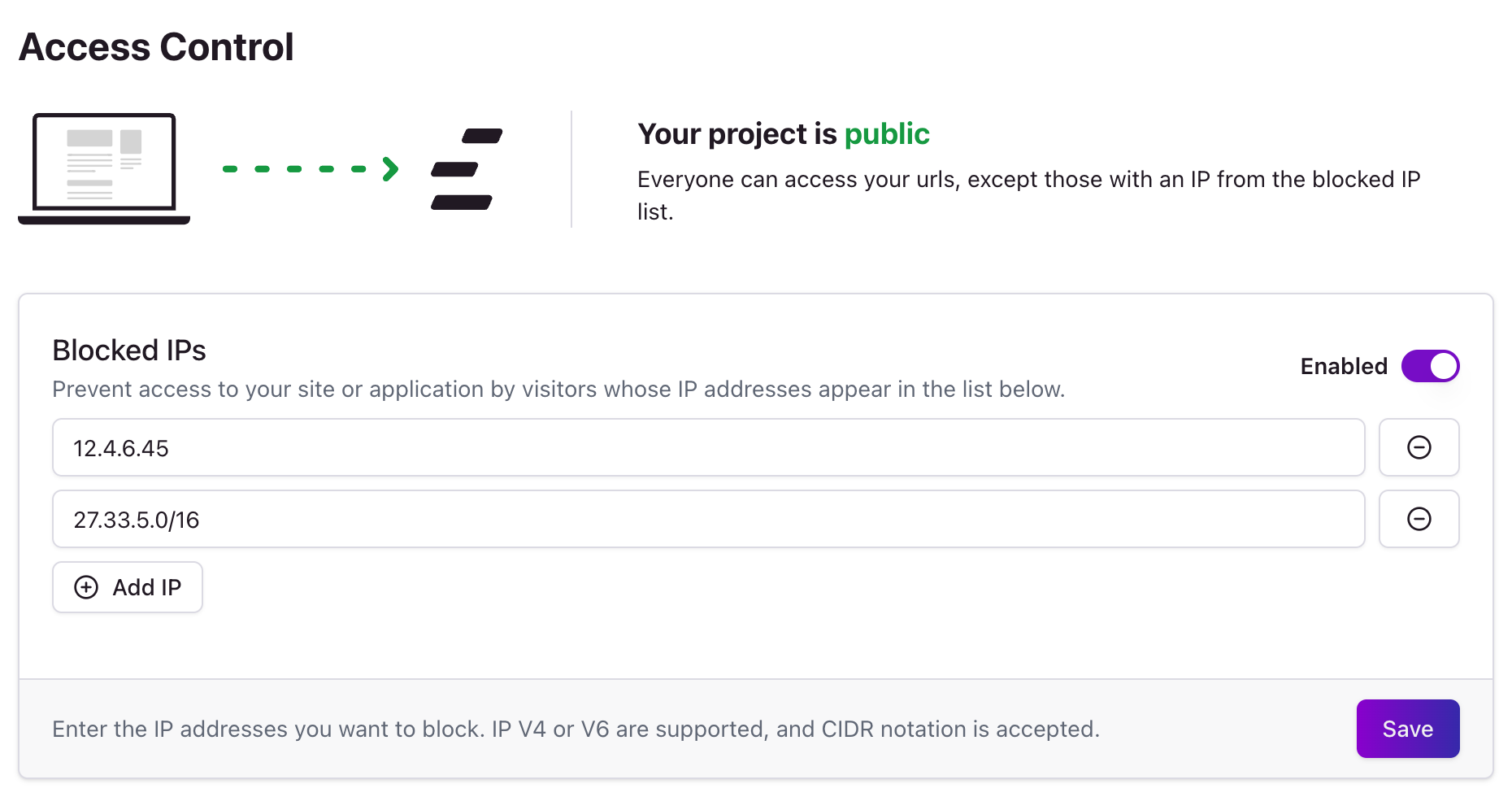
Blocked IPs
Conversely, you can specify IP addresses that are denied access to your website. This is useful for preventing access from known problematic sources and maintaining public accessibility without exposing your site to certain risks.