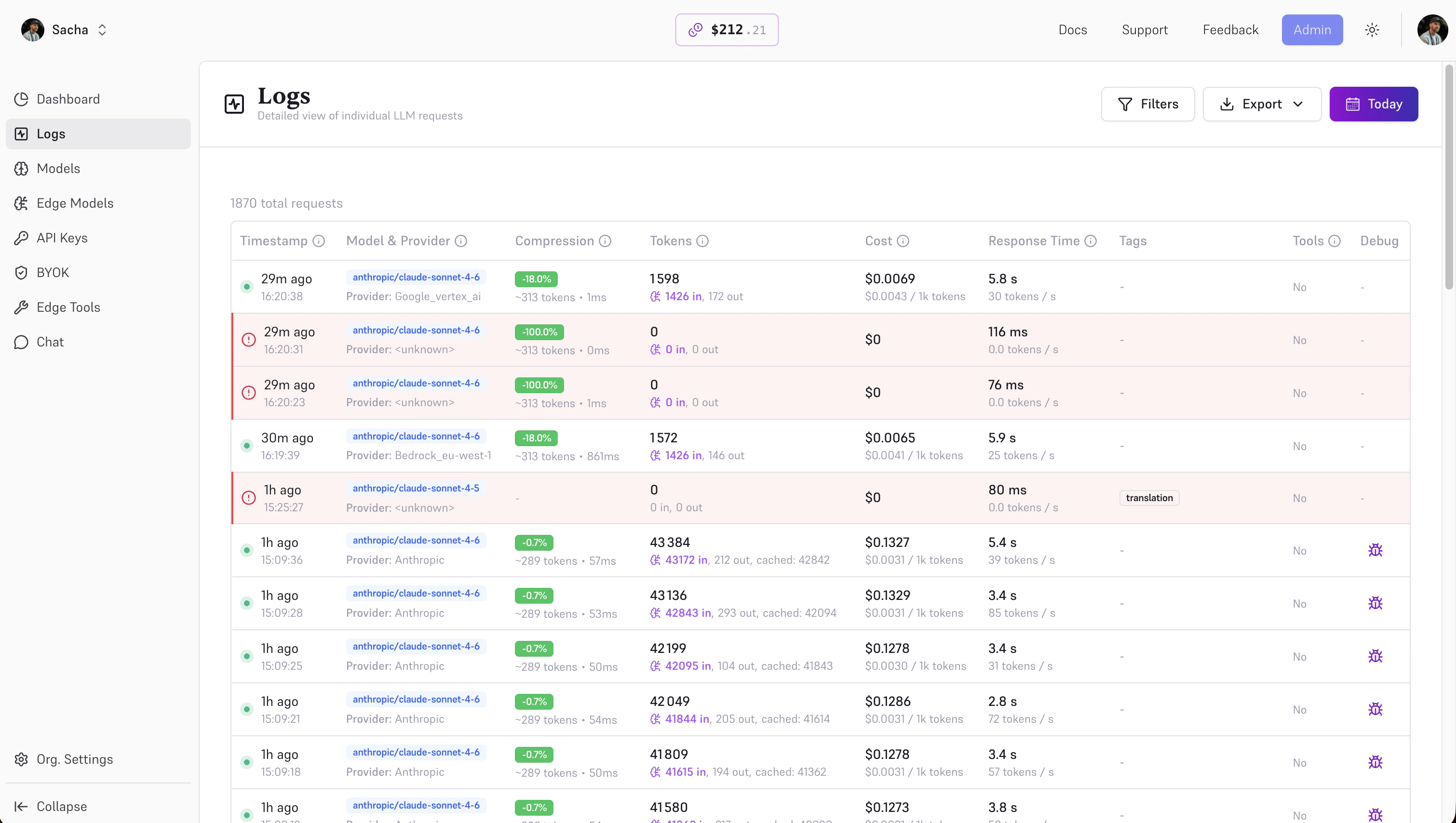
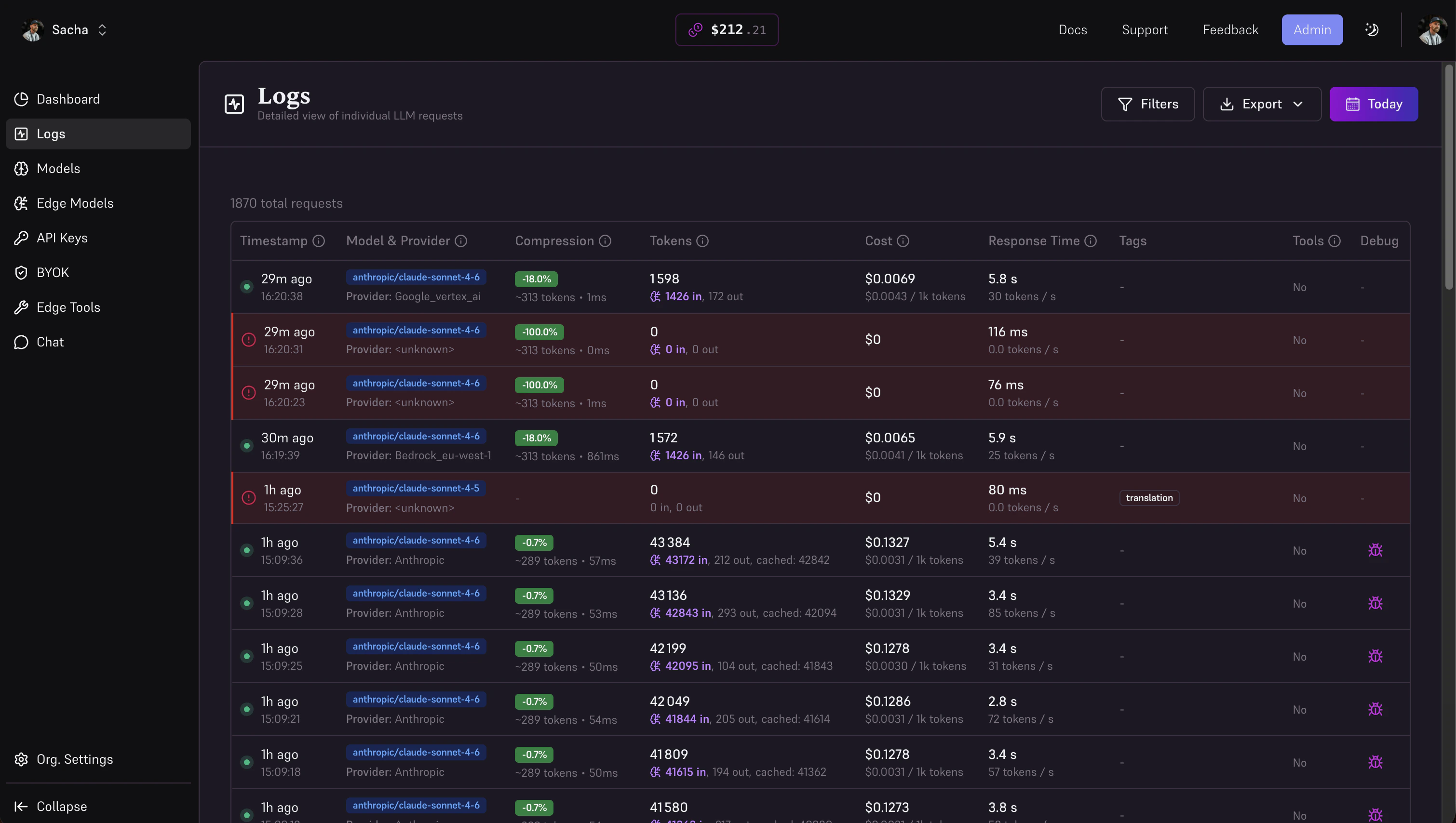
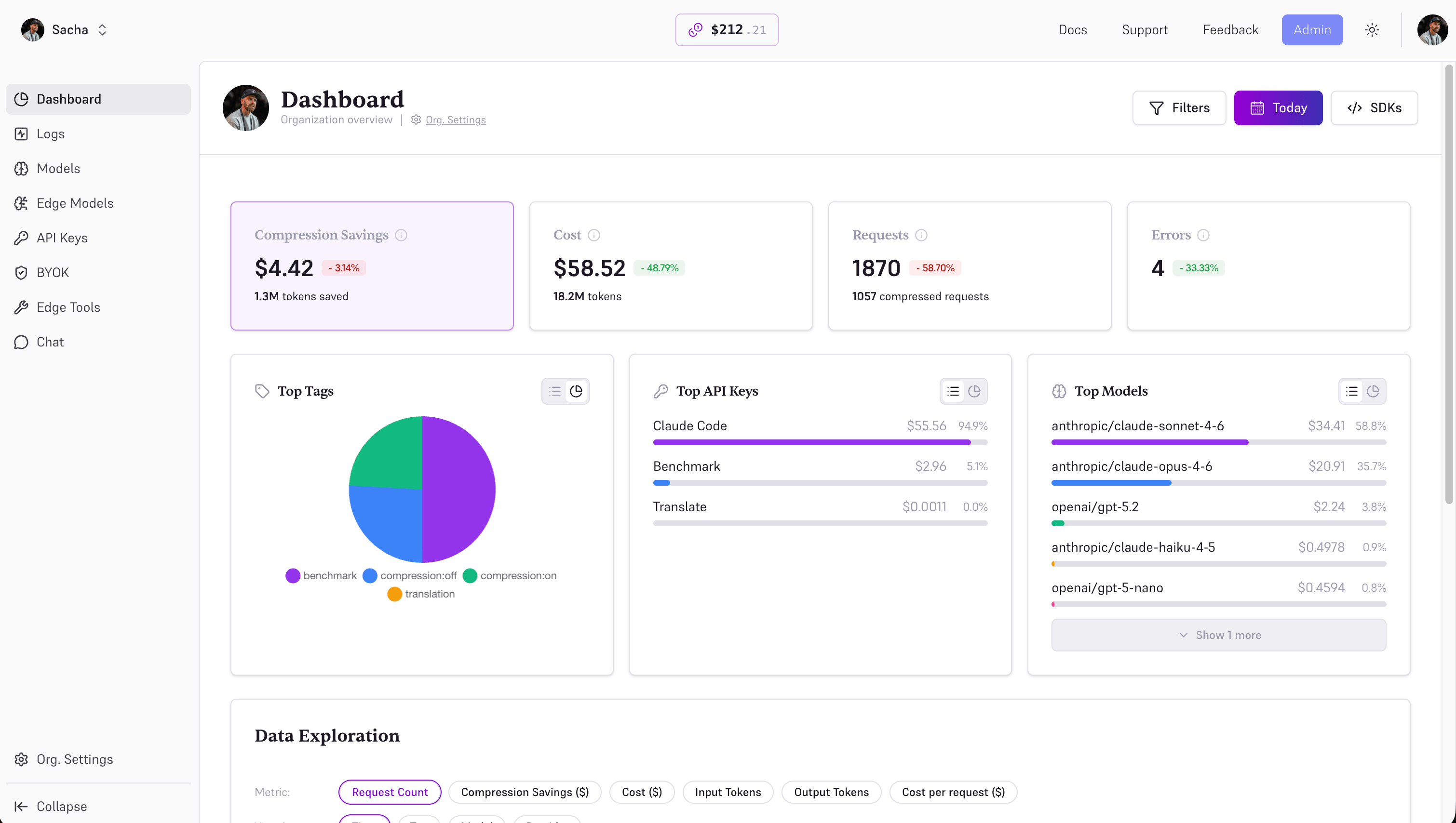
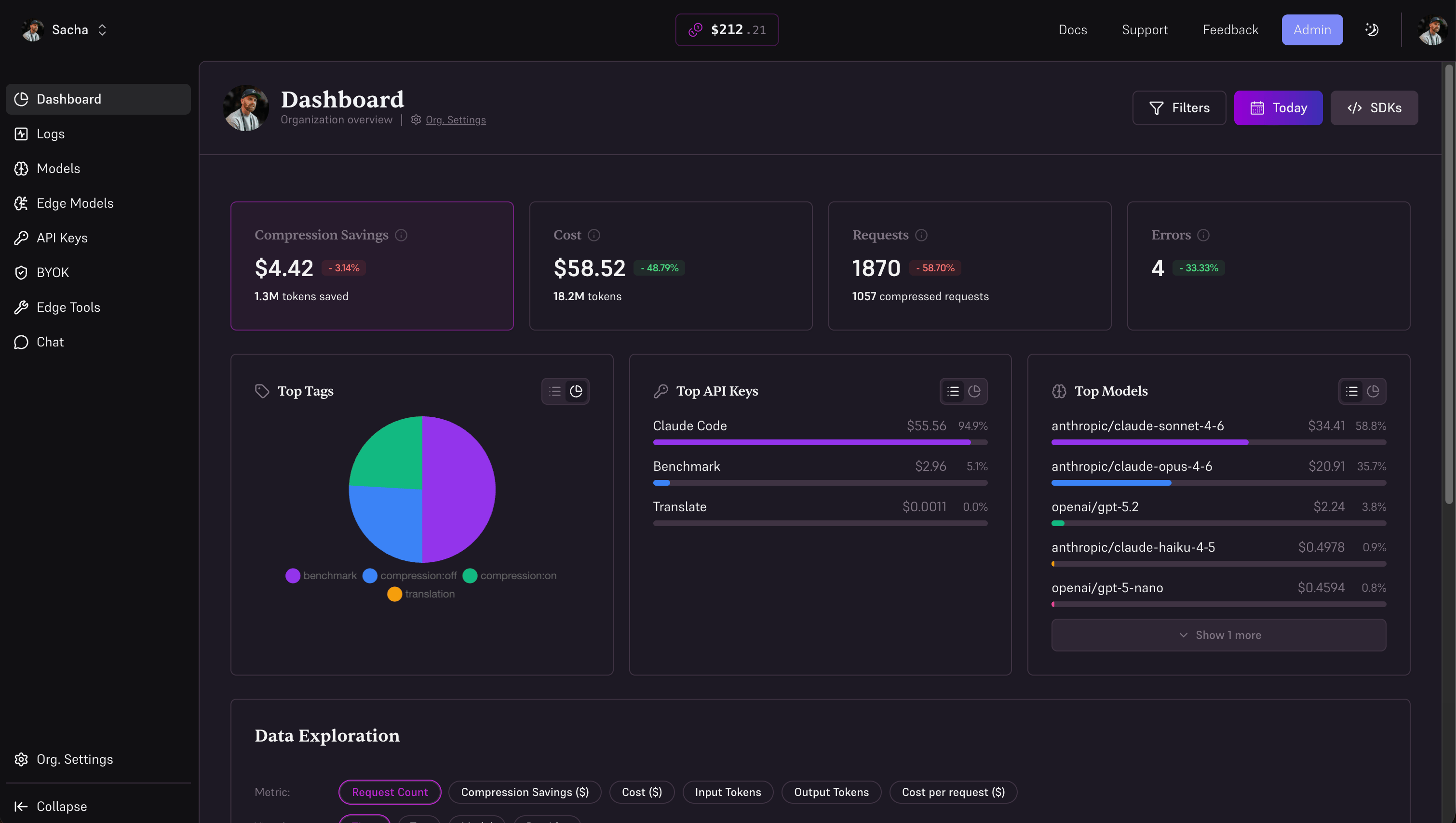
Edgee provides complete visibility into your AI infrastructure with real-time metrics on costs, token usage, compression savings, performance, and errors. Every request is tracked and exportable for analysis, budgeting, and optimization.
Token Usage Tracking

Every Edgee response includes detailed token usage information for tracking and cost analysis:
const response = await edgee.send({
  model: 'gpt-4o',
  input: 'Your prompt here',
});

console.log(response.usage.prompt_tokens); // Compressed input tokens
console.log(response.usage.completion_tokens); // Output tokens
console.log(response.usage.total_tokens); // Total for billing

// Compression savings (when applied)
if (response.compression) {
  console.log(response.compression.input_tokens); // Original tokens
  console.log(response.compression.saved_tokens); // Tokens saved
  console.log(`${(response.compression.rate * 100).toFixed(1)}%`); // Compression rate
}
Track usage by:
  • Model (GPT-4o vs Claude vs Gemini)
  • Project or application
  • Environment (production vs staging)
  • User or tenant (for multi-tenant apps)
  • Time period (daily, weekly, monthly)
Use token usage data with provider pricing to calculate costs. The Edgee dashboard automatically calculates costs based on real-time provider pricing.

Request Tags for Analytics

Tags allow you to categorize and label requests for filtering and grouping in your analytics dashboard. Add tags to track requests by environment, feature, user, team, or any custom dimension. Using tags in native SDKs:
import Edgee from 'edgee';

const edgee = new Edgee("your-api-key");

const response = await edgee.send({
  model: 'gpt-4o',
  input: {
    messages: [{ role: 'user', content: 'Hello!' }],
    tags: ['production', 'chat-feature', 'user-123', 'team-backend']
  }
});
Using tags with OpenAI/Anthropic SDKs via headers: If you’re using the OpenAI or Anthropic SDKs with Edgee, add tags via the x-edgee-tags header (comma-separated):
import OpenAI from "openai";

const openai = new OpenAI({
  baseURL: "https://api.edgee.ai/v1",
  apiKey: process.env.EDGEE_API_KEY,
  defaultHeaders: {
    "x-edgee-tags": "production,chat-feature,user-123,team-backend"
  }
});
Common tagging strategies:

Environment taggingTag by environment: production, staging, development

Feature taggingTag by feature: chat, summarization, code-generation, rag-qa

User/tenant taggingTrack per-user or per-tenant usage: user-123, tenant-acme, customer-xyz

Team taggingOrganize by team: team-backend, team-frontend, team-data
Use tags consistently across your application to enable powerful filtering and cost attribution in your analytics dashboard. You can filter by multiple tags to drill down into specific segments (e.g., “production + chat-feature + team-backend”).

Compression Metrics

See exactly how much token compression is saving you on every request:
const response = await edgee.send({
  model: 'gpt-4o',
  input: 'Long prompt with lots of context...',
  enable_compression: true,
});

// Compression details
if (response.compression) {
  console.log(response.compression.input_tokens); // Original token count
  console.log(response.usage.prompt_tokens); // After compression
  console.log(response.compression.saved_tokens); // Tokens saved
  console.log(`${(response.compression.rate * 100).toFixed(1)}%`); // Compression rate (e.g., 61.0%)
}
Analyze compression effectiveness:
  • By use case: Compare RAG vs agents vs document analysis
  • Over time: Track cumulative savings weekly or monthly
  • Per model: See which models compress best for your workload
  • By prompt length: Identify high-value optimization opportunities

Cumulative savingsView total tokens and dollars saved since you started using Edgee

Compression trendsTrack compression ratios over time to identify optimization opportunities

By use caseCompare compression effectiveness across different prompt types

Top saversIdentify which requests generate the highest savings

Performance Monitoring

Track latency and throughput across all your AI requests: Latency metrics:
  • Total request time (end-to-end)
  • Time to first token (TTFT)
  • Tokens per second (streaming)
  • Edge processing overhead
By dimension:
  • Model and provider
  • Geographic region
  • Request size (token count)
  • Time of day or week
Error tracking:
  • Provider errors (rate limits, timeouts, 5xx)
  • Automatic failover events
  • Retry attempts and success rates
  • Error codes and messages

Usage Analytics

Understand how your AI infrastructure is being used: Request volume:
  • Total requests per day/week/month
  • Requests by model and provider
  • Peak usage times
  • Growth trends
Token consumption:
  • Input tokens (original vs compressed)
  • Output tokens
  • Total tokens by model
  • Average tokens per request
Model distribution:
  • Which models are used most
  • Provider mix (OpenAI vs Anthropic vs Google)
  • Cost per model over time
  • Model switching patterns

Alerts & Budgets (Coming Soon)

Stay in control with proactive alerts: Budget alerts:
  • Set monthly spending limits per project
  • Get notified at 80%, 90%, 100% of budget
  • Automatic rate limiting at threshold
  • Email and webhook notifications
Usage alerts:
  • Unusual spike in requests
  • High error rates for specific models
  • Compression ratio drops below threshold
  • Latency exceeds acceptable levels
Example alert configuration:
await edgee.alerts.create({
  name: 'Monthly budget alert',
  type: 'budget',
  threshold: 1000, // $1,000 USD
  actions: [
    { type: 'email', to: '[email protected]' },
    { type: 'webhook', url: 'https://api.company.com/alerts' },
  ],
});

Export & Integration

Get your data where you need it: Export formats:
  • JSON for custom analysis
  • CSV for spreadsheets
  • Parquet for data warehouses
  • Streaming webhooks for real-time ingestion
Integration targets:
  • Datadog, New Relic, Grafana for dashboards
  • Snowflake, BigQuery for analytics
  • S3, GCS for long-term storage
  • Custom webhooks for internal systems
Example export:
// Export last 30 days of usage data
const data = await edgee.analytics.export({
  startDate: '2024-01-01',
  endDate: '2024-01-31',
  format: 'json',
  metrics: ['cost', 'tokens', 'latency', 'compression'],
  groupBy: ['model', 'date'],
});

What’s Next