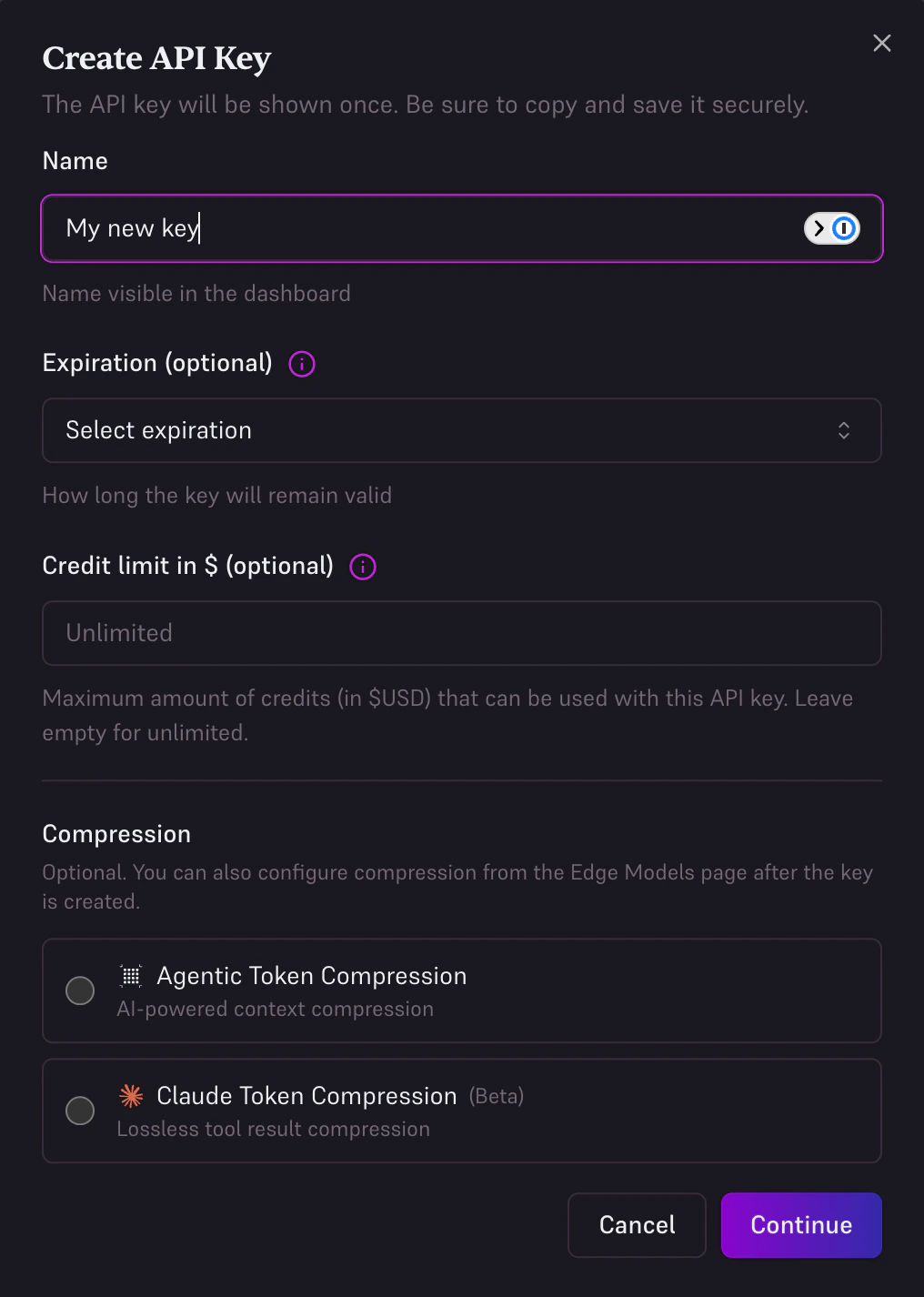
Create a new key
Click Create API Key, give it a name (e.g., “Development”), and click Create.
Copy your key
Copy the key immediately; it will not be shown again.
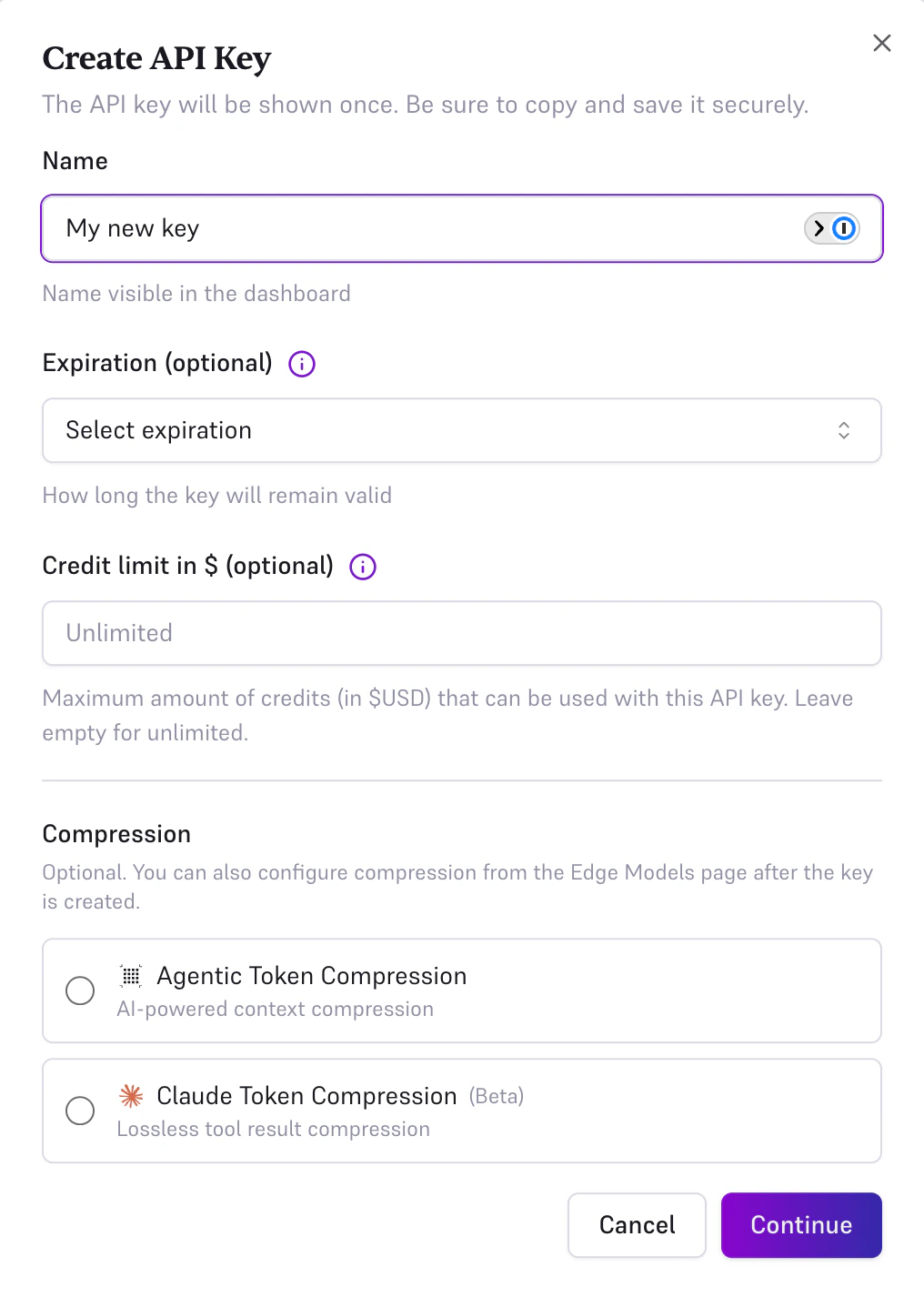
Store your API key securely. Never commit it to version control or expose it in client-side code.
Set Your Environment Variable
Add your key to your environment:
export EDGEE_API_KEY="sk-edgee-..."
Or in your .env file:
EDGEE_API_KEY=sk-edgee-...
Test Your Key
Verify your key works with a simple curl request:
curl https://api.edgee.ai/v1/chat/completions \
-H "Authorization: Bearer $EDGEE_API_KEY" \
-H "Content-Type: application/json" \
-d '{
"model": "gpt-5.2",
"messages": [{"role": "user", "content": "Hello!"}]
}'
Next: Choose Your SDK
Install the SDK for your language and start building.