

302 Found for temporary redirects.
This can be useful when you want to redirect users from an old URL to a new one, for example during a website migration or replatforming.
How to add new redirect rules
Browse to your project’s Settings panel and select Redirects. Here, you need to create newSource -> Target pairs corresponding to the absolute URLs of your website.
For example, Source: /homepage and Target: /homepage-new.
Click Add Redirect on the right and add as many pairs as you need.
Alternatively, you could upload a CSV file (no headers, 2 columns) to speed up the process.
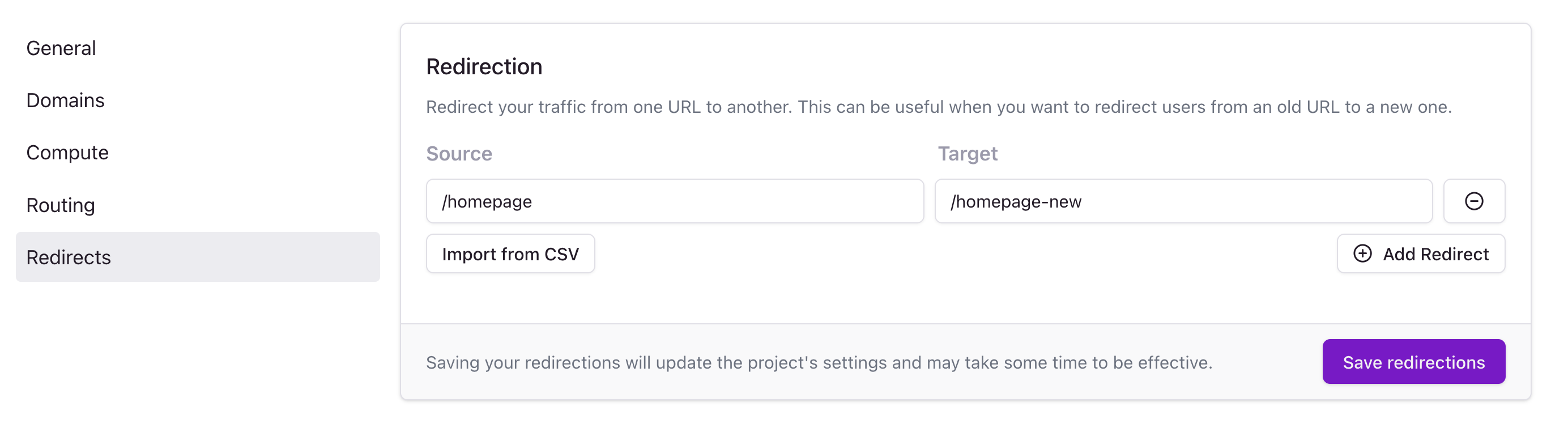
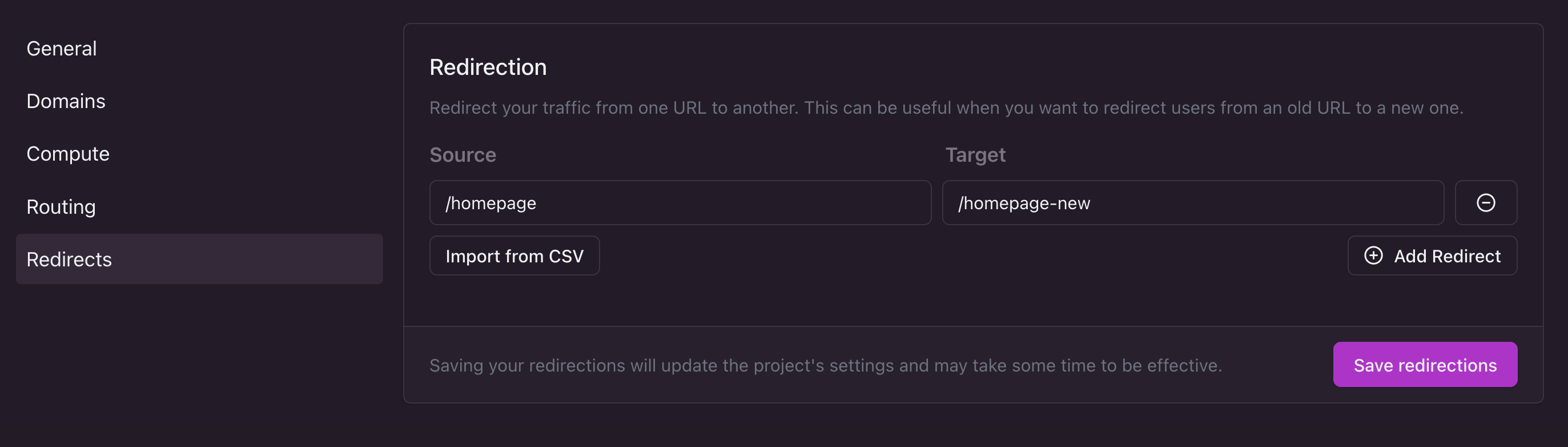
Please note that propagating your project’s settings to all edge nodes might take some time, usually up to a minute or two.