Piano Analytics is a powerful analytics platform that provides comprehensive data collection and analysis capabilities.
However, like many analytics tools, it can face challenges with ad blockers and browser privacy restrictions that may impact data collection reliability.
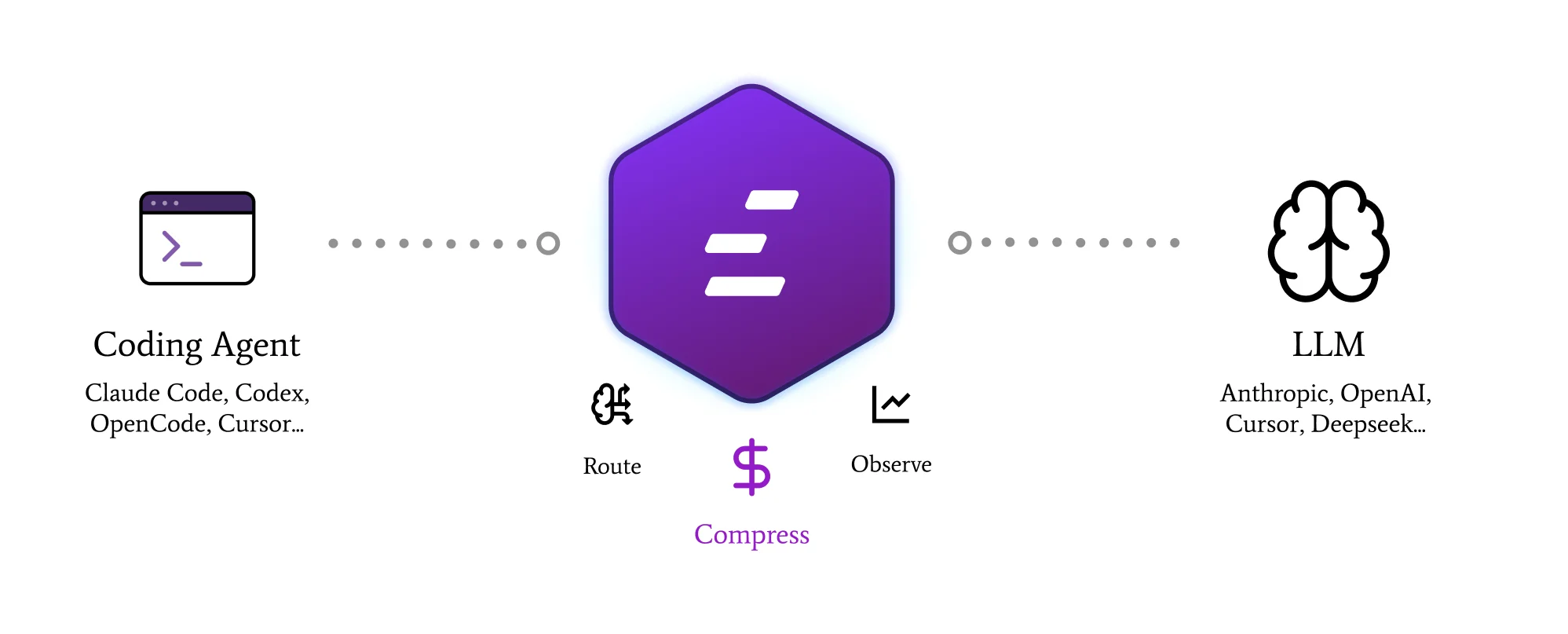
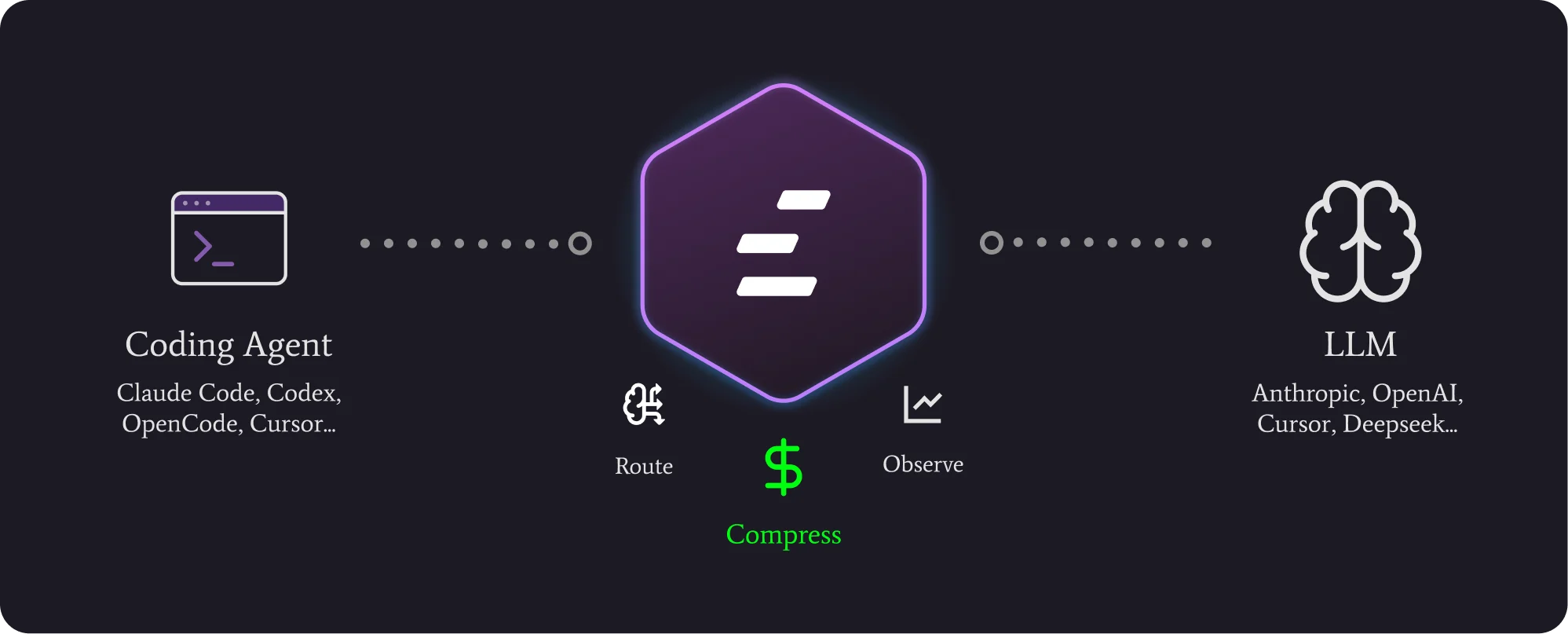
Edgee’s Piano Analytics Gateway component transforms how Piano Analytics works on your site by making it fully first-party and hosting it directly on your main domain.
This JS Gateway approach provides enhanced resilience against ad blockers while maintaining full JavaScript functionality.

Getting Started
To integrate Piano Analytics Gateway into your Edgee project:- Open the Edgee console and navigate to your project’s Components.
- Select “Add a component” and choose
edgee/piano-analytics-gatewayfrom the list of available components. - Add your Piano Analytics Site ID and your Piano Collection Domain.
- Choose your path prefix.
- Select the mode of the injection.
- Click Save.
Path Prefix

/piano as a path prefix, all requests coming to www.yourdomain.com/piano/something will be forwarded to your Piano Analytics.
Automatic SDK Injection

Mode

- Safe: The Piano Analytics SDK will be injected into the website only when the user consent is
granted. - Strong: The Piano Analytics SDK will be injected into the website when the user consent is
pendingorgranted. - Always: The Piano Analytics SDK will be always injected into the website regardless of the user consent status.
Benefits
- First-party hosting: All Piano Analytics requests are served from your main domain
- Ad blocker resistance: Enhanced protection against ad blockers and privacy tools
- Performance optimization: Edge-optimized delivery for faster loading
- Full SDK functionality: Maintains all Piano Analytics JavaScript SDK capabilities
- Privacy compliance: Better alignment with browser privacy policies