

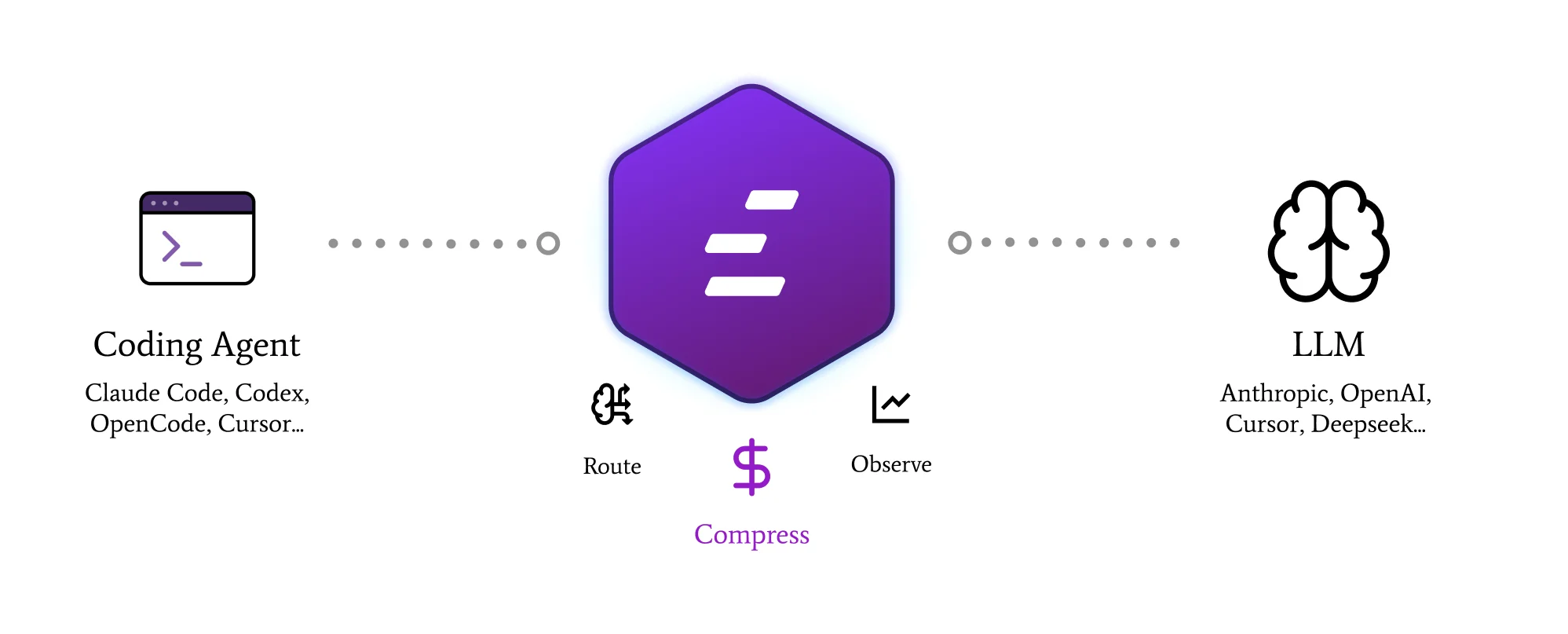
The three pillars
Compress
Surgical removal of redundancy from what enters and leaves the model. Two layers: Input (~99% of token volume) and Output (~1%, high ROI).
Route
Per-request fallback on provider 5xx and timeouts. Plan-cap continuity for Claude Pro/Max users when quota is hit. Configurable provider chain.
Observe
Every request, every compression event, every cost delta — at session level locally and at team level in the managed console.
Coding agents, start in seconds
1
Install the CLI
- macOS / Linux
- Homebrew (macOS)
- Windows (PowerShell)
2
Launch your coding agent
- Claude Code
- Codex
- OpenCode
Use the API directly
- TypeScript
- Python
- Go
- Rust
- OpenAI SDK
- Anthropic SDK
- LangChain
- cURL
baseURL to https://edgee.io.
Next steps
Why Edgee
The longer pitch — three pillars, OSS ecosystem, all the receipts.
Book a call
Talk to us about the managed Edgee console for teams.